WhatIsMyScreenResolution.site is built to answer one simple question clearly: what is my screen resolution, and what does it actually mean in real use?
Most people don’t want a complicated explanation. They want a quick answer, and if needed, a simple way to understand what those numbers mean. That’s exactly what this site is designed to do.
Along with the screen resolution checker, the site explains how resolution, pixel density, scaling, and display technology affect what you actually see on your screen.
About David McCullum
David McCullum writes about screen resolution, display quality, and monitor performance, based on hands-on testing across Windows PCs, MacBooks, TV displays, and smartphones.
Instead of relying on specs alone, his approach is practical. He focuses on how screens behave in real use—how text looks, how scaling works, how different resolutions feel on different screen sizes, and why two displays with similar specs can still look very different.


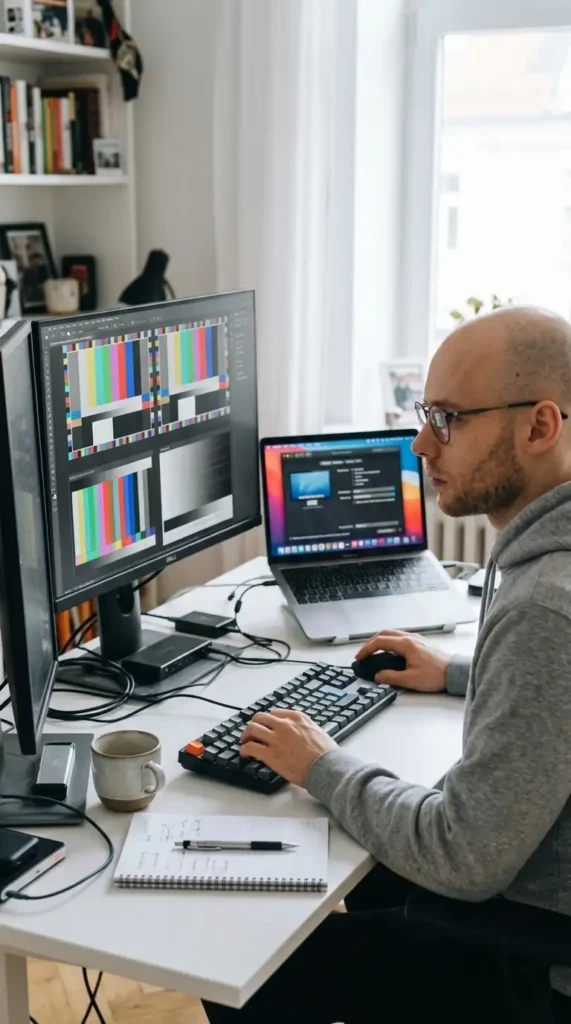
He regularly tests:
- Desktop monitors (1080p, 1440p, 4K)
- Laptop displays across different sizes
- TV displays with HDR and different panel types
- Mobile devices with high pixel density screens
The goal is simple: explain display technology in a way that actually helps people make better decisions.
How This Site Is Built
This site combines two things:
- A live screen resolution checker that shows what your browser is actually using
- Clear, practical guides that explain how display settings affect real-world use
The tool itself is based on browser-reported values, which means it reflects what websites and apps actually see—not just what your device specs say.
Because of that, you may notice differences between:
- device resolution (hardware)
- browser resolution (CSS pixels)
- scaled resolution (what you actually experience)
Those differences are often the reason people get confused—and the main reason this site exists.
Accuracy and Limitations
The tool on this site detects values using your browser. That makes it fast and convenient, but it also means there are limits.
For example, physical screen size in inches cannot always be detected precisely without manual input. Browser values can also change depending on zoom level, scaling, or system settings.
Where needed, the content on this site explains these limitations clearly so you know what you’re looking at.
Why Trust This Site
Everything here is based on real testing and observation across different devices and display types.
Instead of repeating specs or manufacturer claims, the focus is on:
- what actually changes when you switch resolutions
- how scaling affects clarity
- how pixel density impacts sharpness
- what matters when choosing a monitor or TV
The goal is not to overwhelm you with technical details, but to give you enough clarity to understand your own screen and make better choices.
Contact
If you notice something that doesn’t look right, or you have a question about your display setup, you can reach out through the contact page.
Feedback helps improve the tool and keep the information accurate.